How to Order
Home » How to Order
How to checkout?
- Provide all the necessary information
- Choose delivery date/schedule
- Create password for new customer/ Log in for existing customers
- Choose payment method
- Agree to Terms & Condition
- Place Order
Select a Product
Browse through the product categories or use the search bar to find your desired item. Click on the product title or image to view its details.
Add to Cart
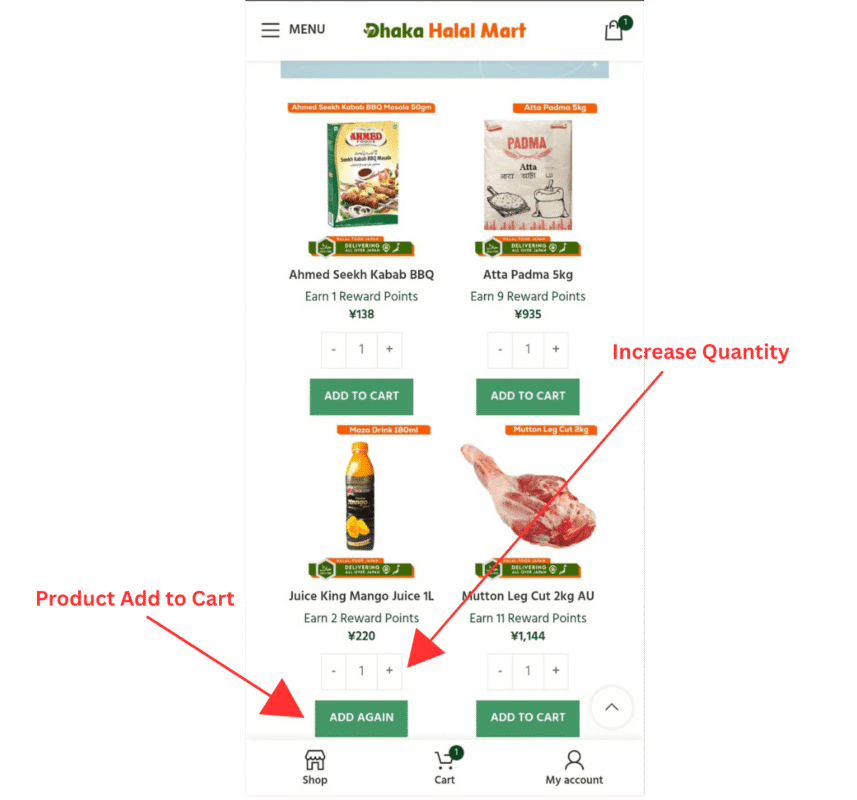
On the product details page, select the quantity and click the “Add to cart” button. A confirmation message will appear indicating that the item has been added to your cart.
View Cart
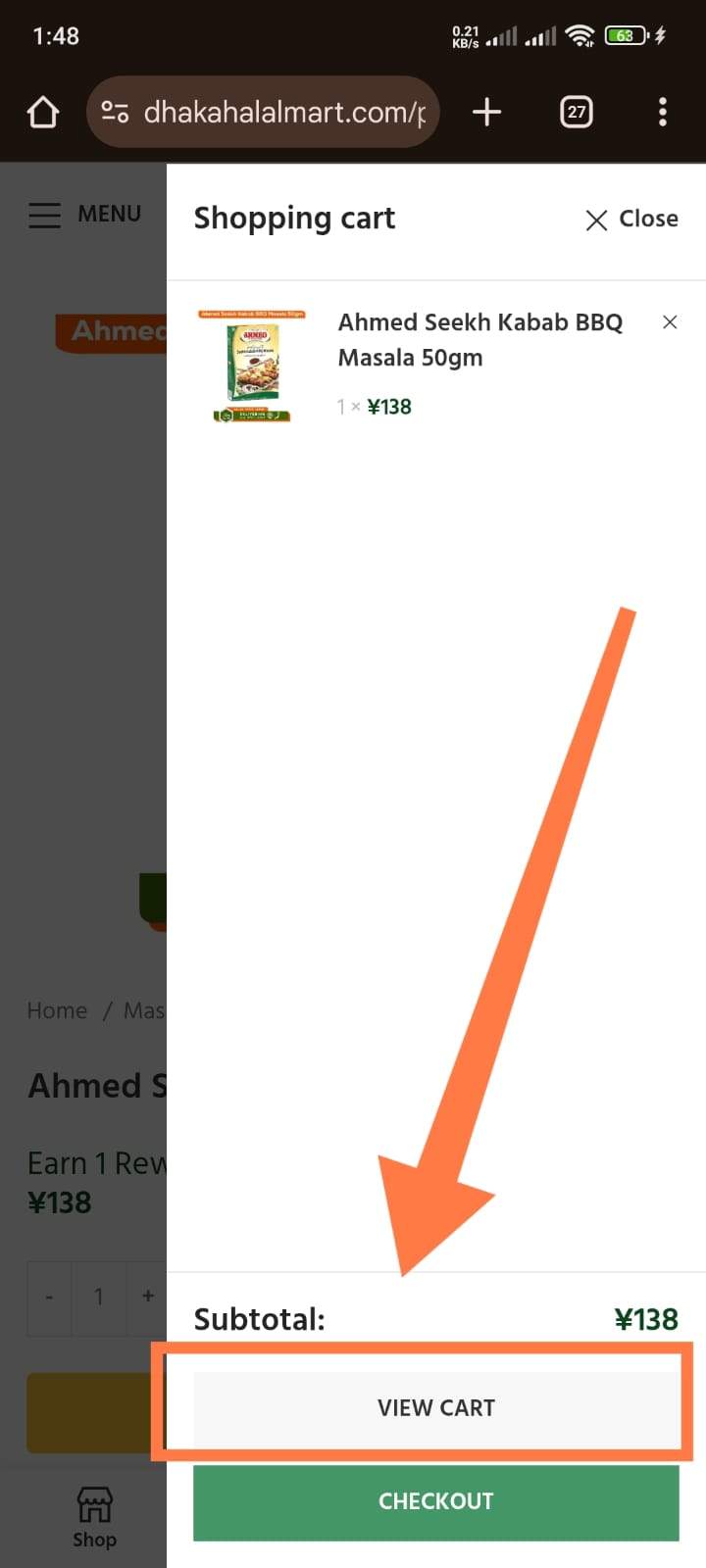
Click on the cart icon located at the top right corner of the page to view your selected items. Here, you can adjust quantities or remove items if needed.
Apply Coupon Code & Proceed to Checkout
If you have a discount code, enter it in the “Coupon code” field and click “Apply”. Once applied, click “Proceed to Checkout” to continue with your purchase.
Fill in Checkout Details & Place Order
Enter your shipping information, select a payment method, and review your order. Click “Place Order” to complete your purchase.